GEOANIMATOR JOURNAL
Country Highlight Map: How to Animate One on Android
Make a country highlight map that moves: pick a country, style the fill, reveal it with Fade or Wipe, and export a video from GeoAnimator on Android.

In this article9 sections
- 01What is a country highlight map?
- 02Static highlight or animated highlight?
- 03How do you animate a country highlight map in GeoAnimator?
- 04Choosing a fill and border that read clearly
- 05Does a camera move really help?
- 06How do you zoom in on a country in a map video?
- 07Which format should you export in?
- 08Using a highlight when a country is in the news
- 09Frequently asked questions
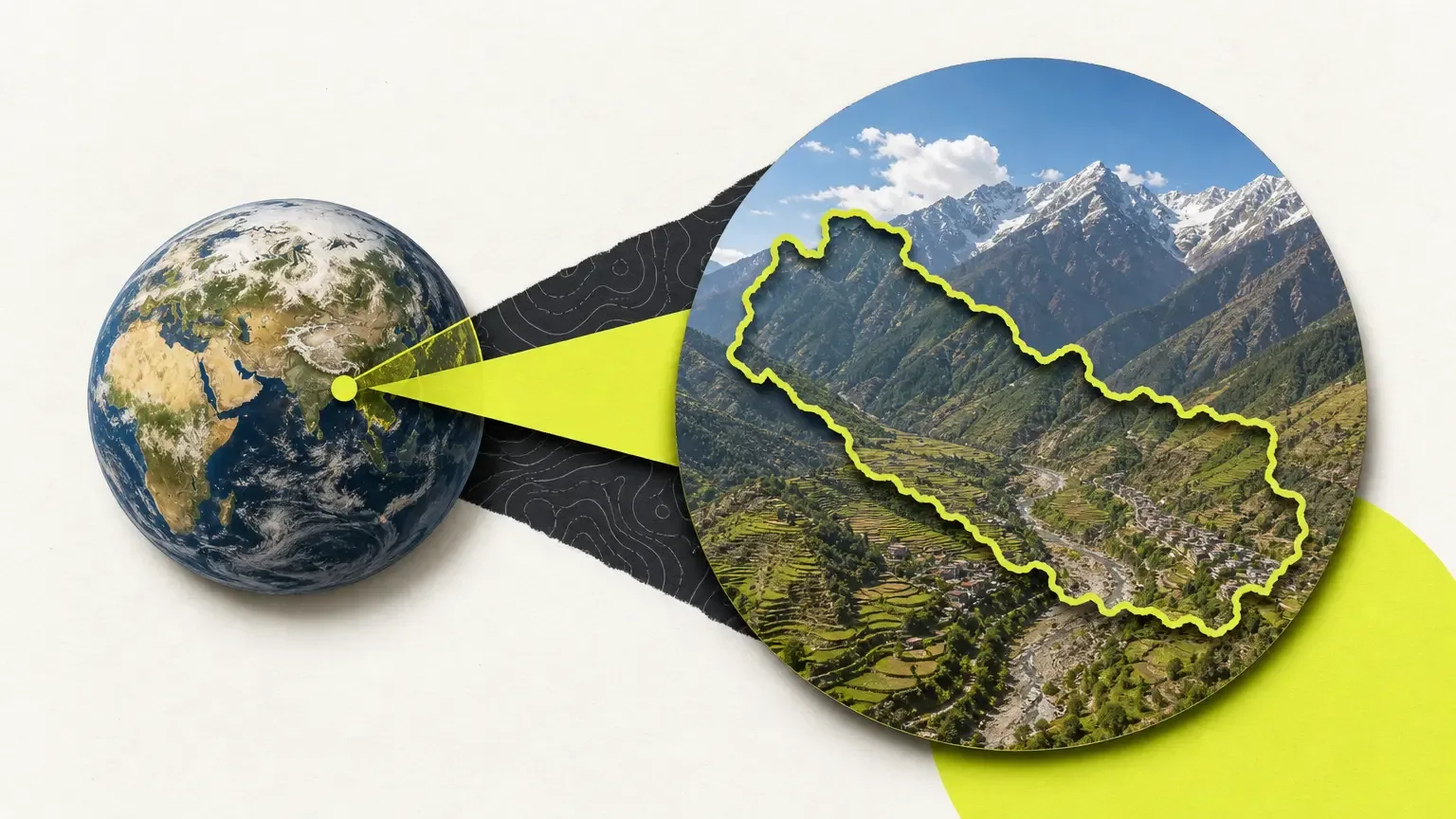
A country highlight map shades one nation, or a handful of them, so a viewer can see at a glance where the story happens. Most results for the phrase are static files: a vector outline, a printable world map, a visited-countries checker. They work for a poster. They do less for a video, where the eye needs to be led to the country at the right moment.
This post covers both halves. First, what a good highlight needs so it reads clearly. Then, how to turn it into a short animated clip in GeoAnimator, the Android map animation app, with a camera move and a reveal instead of a flat image.
What is a country highlight map?
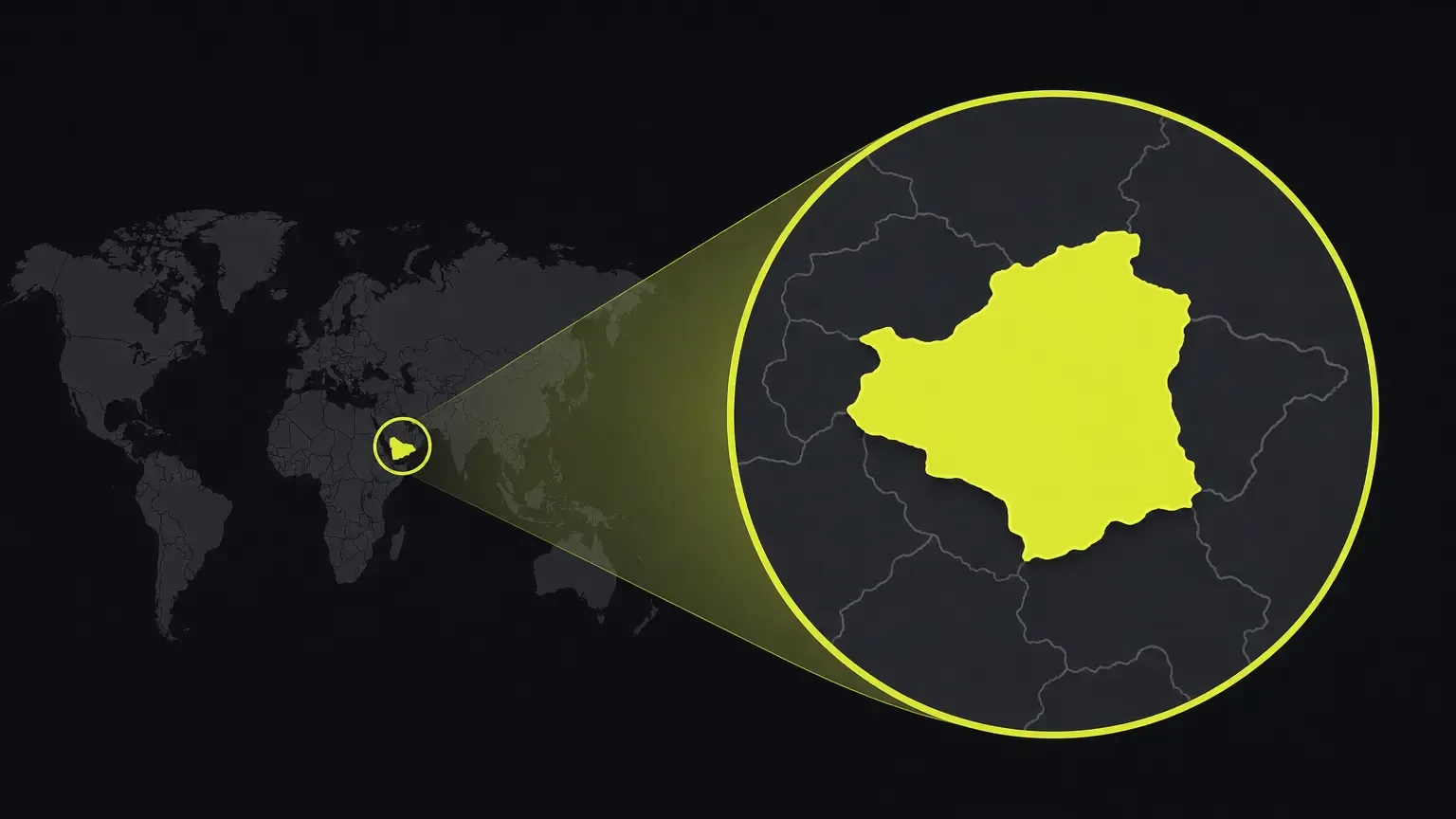
A country highlight map is a world or regional map where one or more countries are filled with a distinct colour, border or pattern while the rest stays quiet. The shaded shape tells the viewer where to look and everything else provides context. News explainers, geography lessons and travel recaps all use it.
The idea is older than any app: shade the subject, mute the rest.
Static highlight or animated highlight?
Use a static highlight when the image will be printed, dropped into a document or shown for a long time, such as a classroom poster. Use an animated one when the map appears for a few seconds inside a video and has to explain itself in that time.
Static: poster, slide, worksheet, article image.
Animated: explainer opener, Reels or Shorts clip, history video, news recap.
Animation gives you control over order. The camera finds the country, then the colour arrives, then the label. A shaded country that is already on screen when the video cuts in gives the viewer nothing to follow; one that fills in as the camera settles feels like an answer to a question.
How do you animate a country highlight map in GeoAnimator?
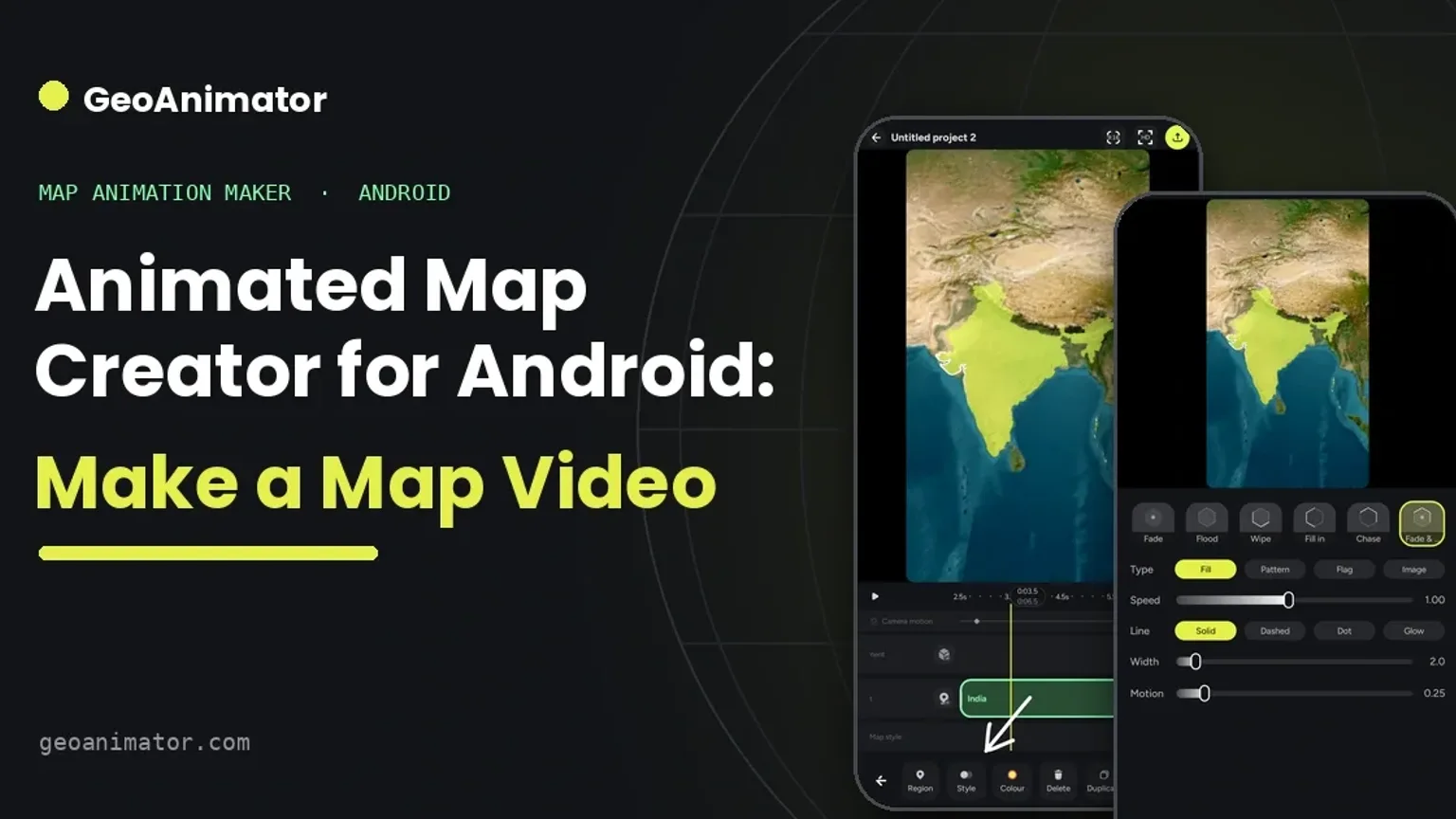
Open GeoAnimator on Android, start a project, search for the country, set a fill and a reveal such as Fade or Wipe, add a camera move on the timeline, then export. The whole sequence for one country can be built in a few minutes, and the same steps apply to a state or a group of countries.
Open the GeoAnimator Android app and start a new project, or begin from a template.
Pick the format that matches where the video will live: 16:9 for a presentation or YouTube, 9:16 for Reels or Shorts, 1:1 for a social post.
Search for the country and add it as a region highlight.
Choose how it is filled. A solid colour is the clearest for a comparison; a flag identifies the country; a pattern or image gives a different look.
Adjust the border on its own so the outline stays readable against the map.
Choose the reveal. Fade is restrained, Wipe adds direction, and Flood and Chase are the other options.
Place a short title on screen, or pin a label to the location, and check it does not sit on top of the highlight.
On the timeline, set camera keyframes: start wide, then move in on the country using the position controls for pitch, zoom and rotation.
Preview the full sequence, fix any timing that feels rushed, then export the video.
If you have not used the editor before, the step-by-step guide to making a map animation walks through the same flow in more detail.
Choosing a fill and border that read clearly
Pick one main highlight colour and keep the surrounding map quieter than the region you are explaining. When you highlight several countries for a comparison, give each a related colour rather than a rainbow, so the group still reads as one idea.
Borders and flags
A thin, high-contrast outline keeps small countries visible on a phone screen. Flags help when the shape is unfamiliar, though a flag says nothing about historical borders or dates.
Does a camera move really help?
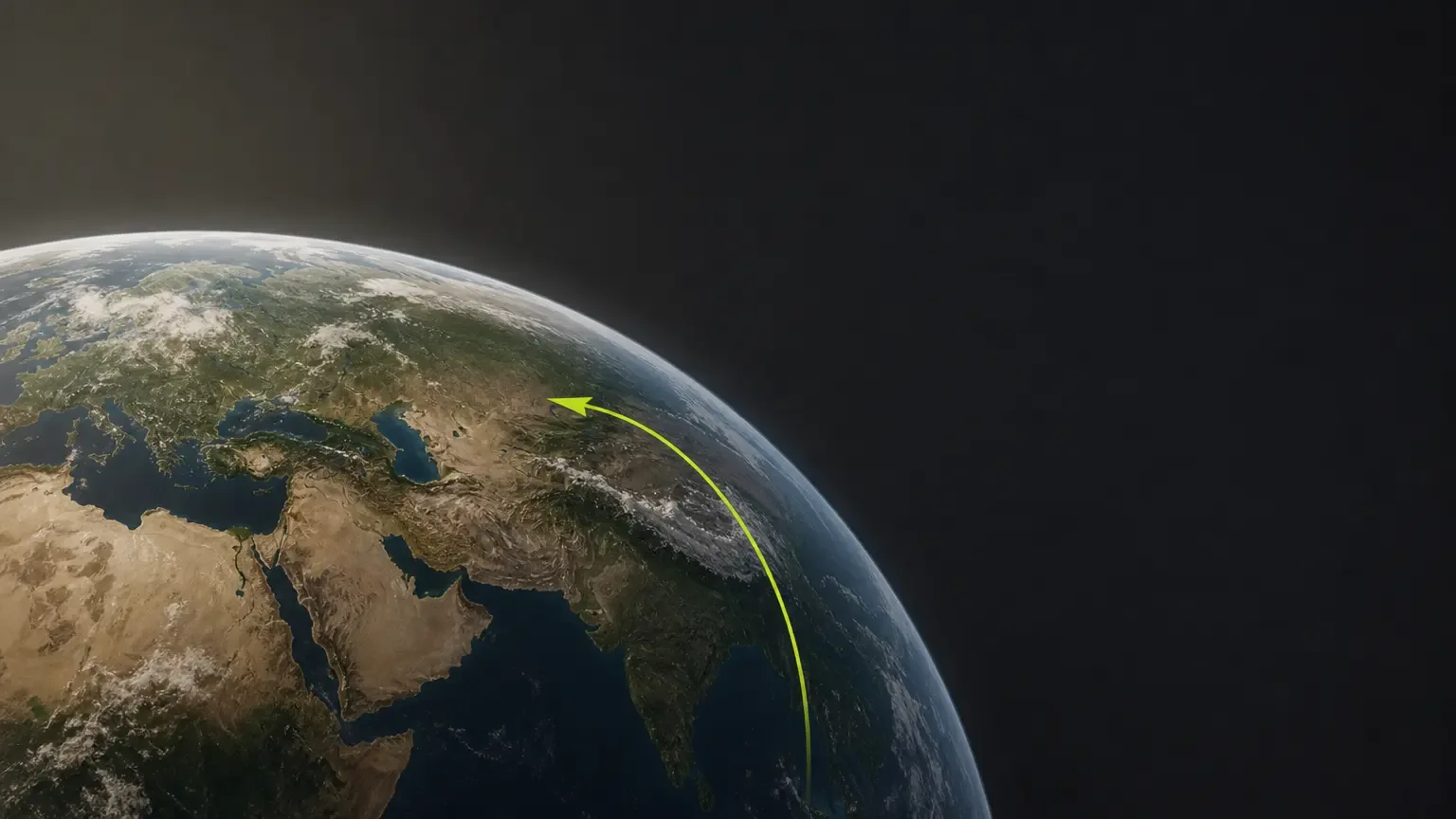
Yes. Most countries are tiny on a world view, so on a 9:16 phone video a highlight can be a few pixels wide until the camera moves in. A push or zoom toward the country makes the shaded shape large enough to read and tells the viewer where to look before the colour appears.
GeoAnimator offers Push, Drift and Orbit hold animations plus Orbit, Arc and Bounce transitions. A short, deliberate move is usually easier to follow than constant motion, so reveal the region once the camera has made its location clear, not while it is still travelling, and avoid starting a move while several labels appear at once.
How do you zoom in on a country in a map video?
Set a wide camera keyframe, add a second one closer to the country, and let the timeline interpolate. Adjust zoom, pitch and rotation at each keyframe, and leave a beat at the end so the label can be read.
In GeoAnimator the zoom is a pair of keyframes, not a canned effect, so you set exactly how long it takes.
That is the map zoom in effect people search for.
Which format should you export in?
Export 16:9 for presentations and YouTube, 9:16 for Reels and Shorts, and 1:1 for a square social post. Pick the format before you build anything, because label size and camera framing change with the shape: a title that fits a wide frame can crowd a vertical one.
Watch the preview at the size your audience will see it.
Check spelling, label contrast and border alignment.
Pro includes watermark removal and access to all map styles; check the current in-app plan details if you need those.
Using a highlight when a country is in the news
Searches for "where is" a particular country tend to rise whenever it makes headlines, and a short clip answers that faster than a paragraph does. Start on a wide view, move in, fill the country, label it and stop. Ten to fifteen seconds is often enough for an explainer opener.
Keep it short.
Keep claims about borders and dates to what you have verified.
Remember the highlight shows location, not a historical boundary.
What about routes and travel paths?
A highlight marks places. A journey from one place to the next is a travel map, and it has its own guide: how to make a travel map animation. The two combine well: highlight the countries visited, then draw the path between them.
Ready to try it? Get GeoAnimator on Google Play. The editor is the Android app; the interactive globe on the website is a demonstration.
Frequently asked questions
How do I highlight a country on a map?
Search for the country in a map editor, add it as a region, and give it a fill colour that stands apart from the rest of the map. In GeoAnimator on Android you can also set the border separately and choose a flag, pattern or image instead of a plain colour. Keep the surrounding map muted so the shaded country is the first thing viewers see.
Can I make a country highlight map that animates?
Yes. GeoAnimator reveals a highlighted country with Fade, Wipe, Flood or Chase, moves the camera with timeline keyframes, and exports video in 16:9, 9:16 or 1:1.
Can I highlight more than one country?
Yes. Add each country as its own region highlight and give them related colours so they read as one group. Stagger the reveals so the viewer meets the countries one at a time instead of all at once.
Is GeoAnimator available on iPhone?
No. GeoAnimator is an Android app, available on Google Play, and there is no iPhone version. The website at geoanimator.com is a landing page with a demonstration globe, not an editor, so you build and export your map videos inside the Android app on your phone or tablet.
Which colour works best for highlighting a country?
One strong colour with clear contrast against the base map is the safest choice. Avoid shades that blend into the water or land of the map style you picked, and test the result on a phone screen. With several highlights, vary the shade inside one colour family.
Keep the border a little darker than the fill so small countries still read from a distance.
Jaseel S is the CEO and founder of Lascade, the app studio behind SmartRuler. He leads a team of over 40 engineers, designers, and creatives dedicated to building consumer mobile applications that turn screen time into meaningful experiences. Under his leadership, Lascade has shipped more than 10 apps across travel, productivity, education, and lifestyle categories.